
Coding
Claude 3.5 Sonnet
SaaS Admin Dashboard UI Generator (React + Tailwind)
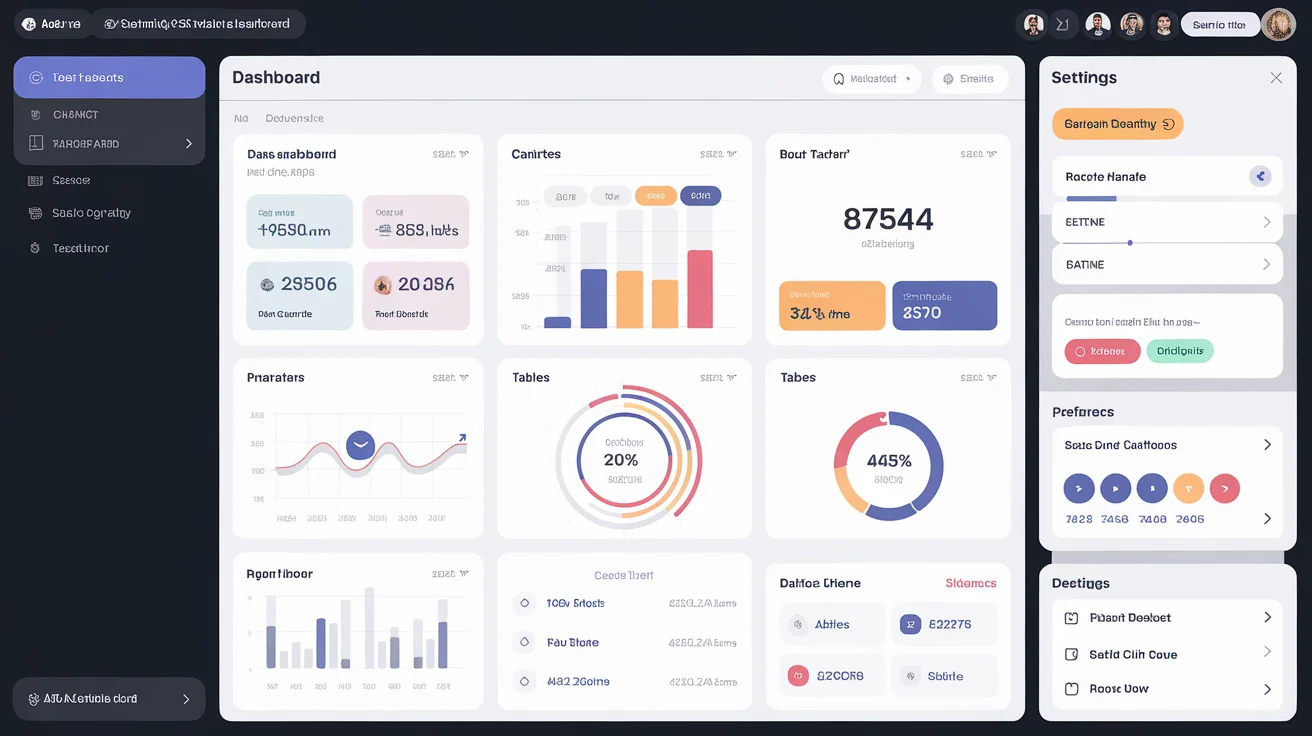
Generates a complete SaaS admin dashboard UI with React and Tailwind CSS, including sidebar, charts, tables, and settings page.
admin
components
dashboard
React
SaaS
Tailwind
UI
Prompt Template
You are a senior React developer and UI/UX expert specialized in building SaaS admin dashboards.

Build a complete, responsive admin dashboard UI for the following SaaS application:

- App name: {app_name}
- App type/purpose: {app_purpose} (e.g., "project management tool", "e-commerce analytics", "CRM")
- Main metrics to display: {main_metrics} (e.g., "revenue, active users, churn rate, MRR")
- Key sections/pages: {dashboard_sections} (e.g., "Overview, Users, Analytics, Settings, Billing")
- Color theme: {color_theme} (e.g., "dark mode with indigo accent", "light with blue/slate")

Generate the following React components using Tailwind CSS:

1. **App.jsx** — Root component with routing setup (React Router v6)
2. **Layout.jsx** — Main layout with sidebar + top navbar + content area
3. **Sidebar.jsx** — Collapsible sidebar with navigation links and icons (use lucide-react)
4. **Navbar.jsx** — Top bar with search, notifications bell, and user avatar dropdown
5. **DashboardOverview.jsx** — Overview page with:
   - 4 KPI stat cards (with trend indicators ▲▼)
   - A line/bar chart placeholder (use recharts)
   - A recent activity table with avatar, name, action, status badge, date
6. **UsersPage.jsx** — Users table with avatar, name, email, role badge, status toggle, action buttons
7. **SettingsPage.jsx** — Profile settings form with avatar upload, name, email, password change

Requirements:
- Use Tailwind CSS utility classes only (no custom CSS)
- Mobile responsive with hamburger menu on small screens
- Dark/light mode toggle using React context
- Consistent design system: spacing, typography, shadows, border-radius
- All components must use functional components with hooks
- Add PropTypes or TypeScript types for all components

Output each file with its name and path clearly labeled. Code must be copy-paste ready.
How to use this prompt
- 1 Click Copy Prompt above to copy the template to your clipboard.
- 2 Paste it into ChatGPT, Claude, Gemini or any AI tool of your choice.
- 3 Replace any {variables} in curly braces with your specific details.